themes.jabref.org
Custom themes for JabRef
Project maintained by JabRef Hosted on GitHub Pages — Theme by mattgraham
Chocolate Honey
Cream paper with dark-chocolate text and honey accents in the light scheme, chocolate surfaces with cream text and honey accents in the dark one. One CSS file covers both color schemes: select it as custom theme and pick Dark, Light, or Follow system in File > Preferences > General > Appearance.
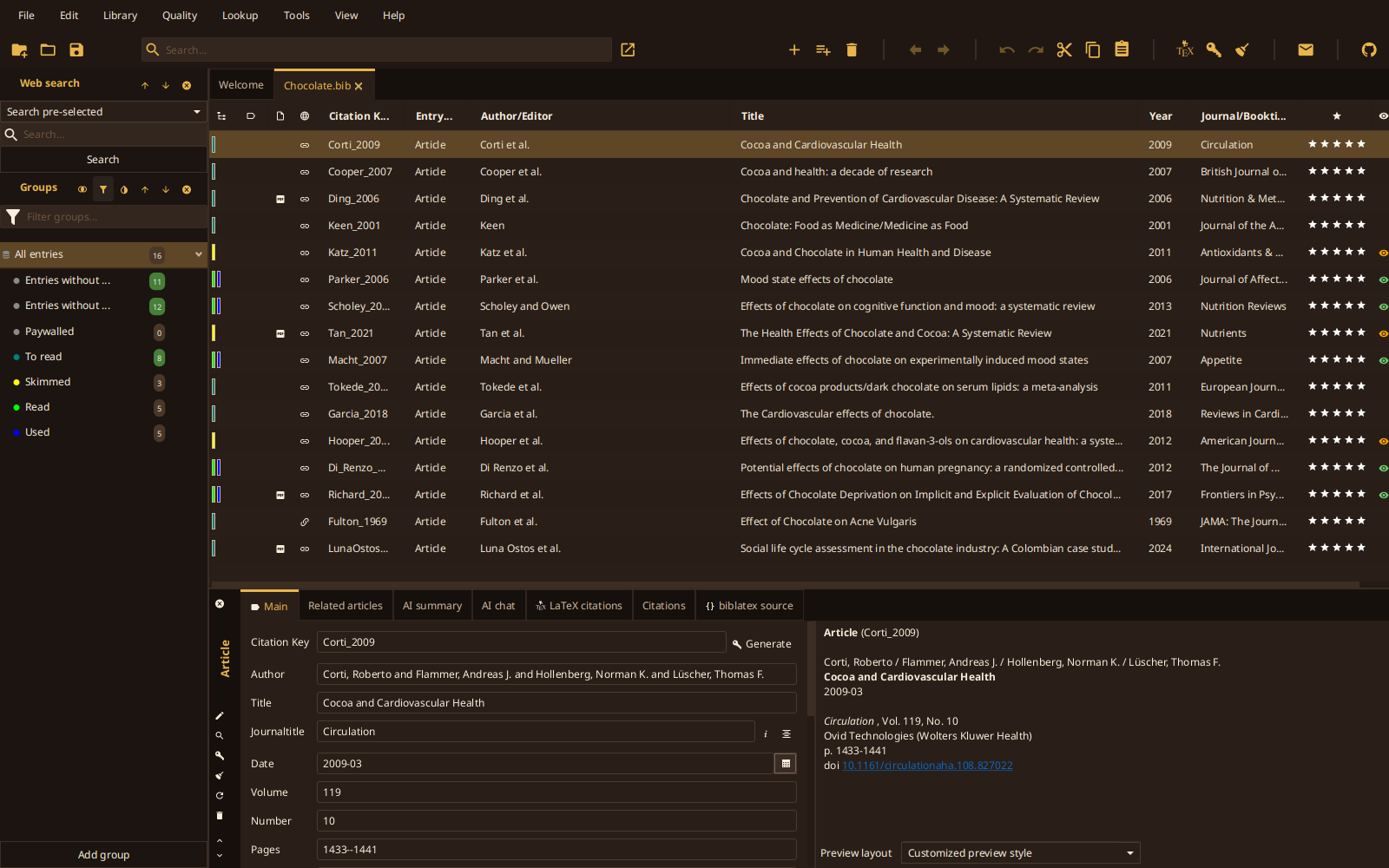
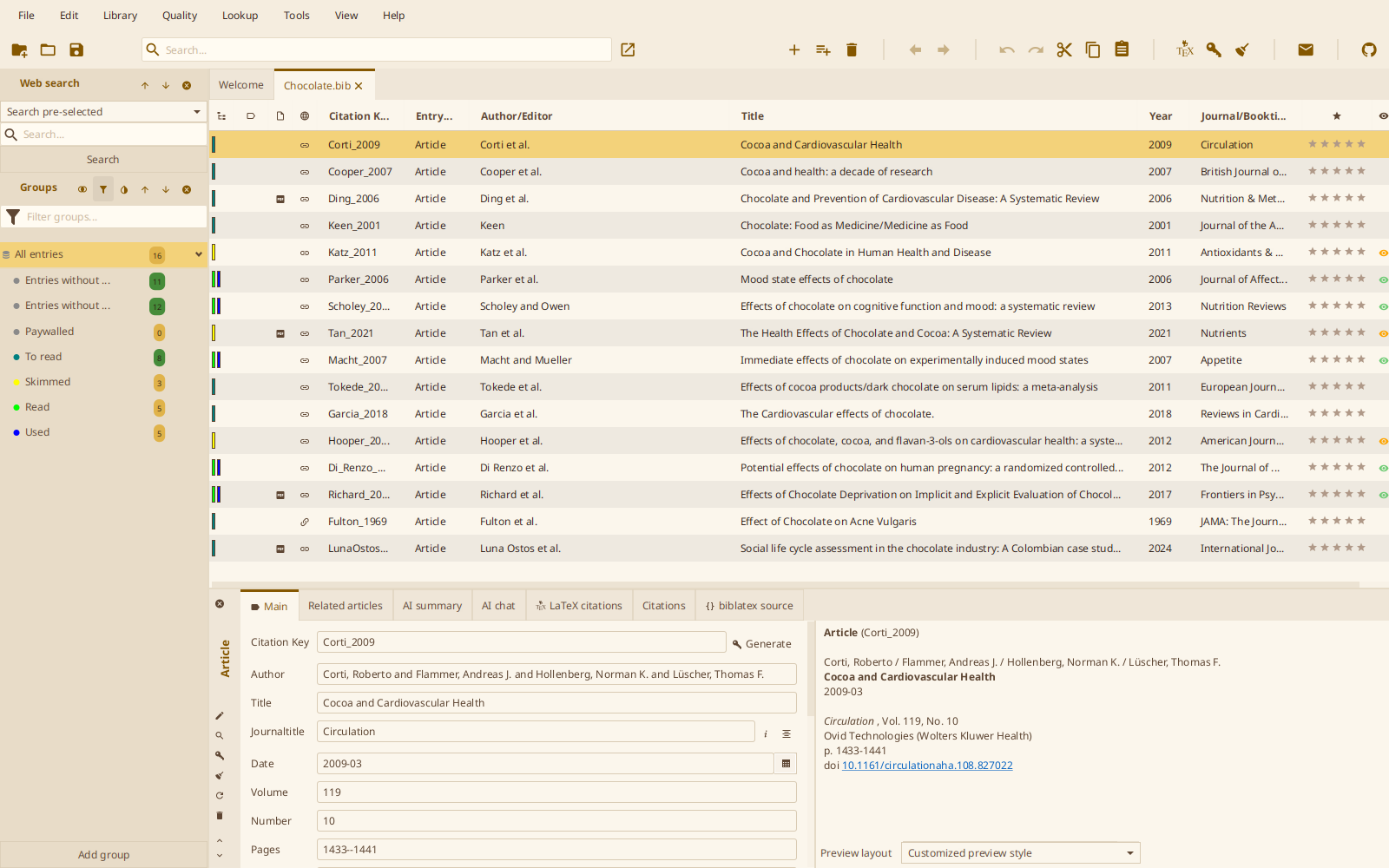
Contrast
Every text/surface pair is checked against WCAG 2 contrast ratios, in both schemes and on every surface (window, tables, toolbar, side pane, search field, tooltips):
| Role | Minimum ratio |
|---|---|
| Default text | 7:1 |
| Muted text, accent and links as text | 4.5:1 |
| Text on selection, badges, default button | 4.5:1 |
| Subtle text, status colors as text | 3:1 |
Honey itself is too light to read as text on cream, so the light scheme uses a darkened honey for accent and links and keeps pure honey for fills (selection, group badges, default button, focus).